Table ordering looks simple from the outside - put a QR code on the table, link it to a menu, done. The part that actually takes the time is everything downstream of the scan: the order has to land somewhere the kitchen can act on immediately, the guest needs to see it move from placed to ready, and the owner needs to know what's selling and what's running low. Most generic e-commerce templates don't model any of that, because a restaurant order isn't a shopping cart that ships in three days.
What the use case actually needs
- A guest-facing menu that works from a phone camera scan, not a marketing homepage with a menu PDF linked somewhere
- A live kitchen queue - New, Preparing, Ready - that staff can update with one tap, not a generic admin table
- Order tracking the guest can watch update in real time, so they're not re-scanning the QR code to check status
- A shared visual language between the order confirmation, the kitchen ticket, and the guest receipt, so an order looks like an order at every step
- Some way for the owner to see demand patterns and stock issues without exporting a spreadsheet
That's a narrower list than a general storefront needs, and it's also why generic e-commerce starters are the wrong starting point here even though the shape (menu, cart, checkout) looks similar on the surface.
Chit - built specifically for this
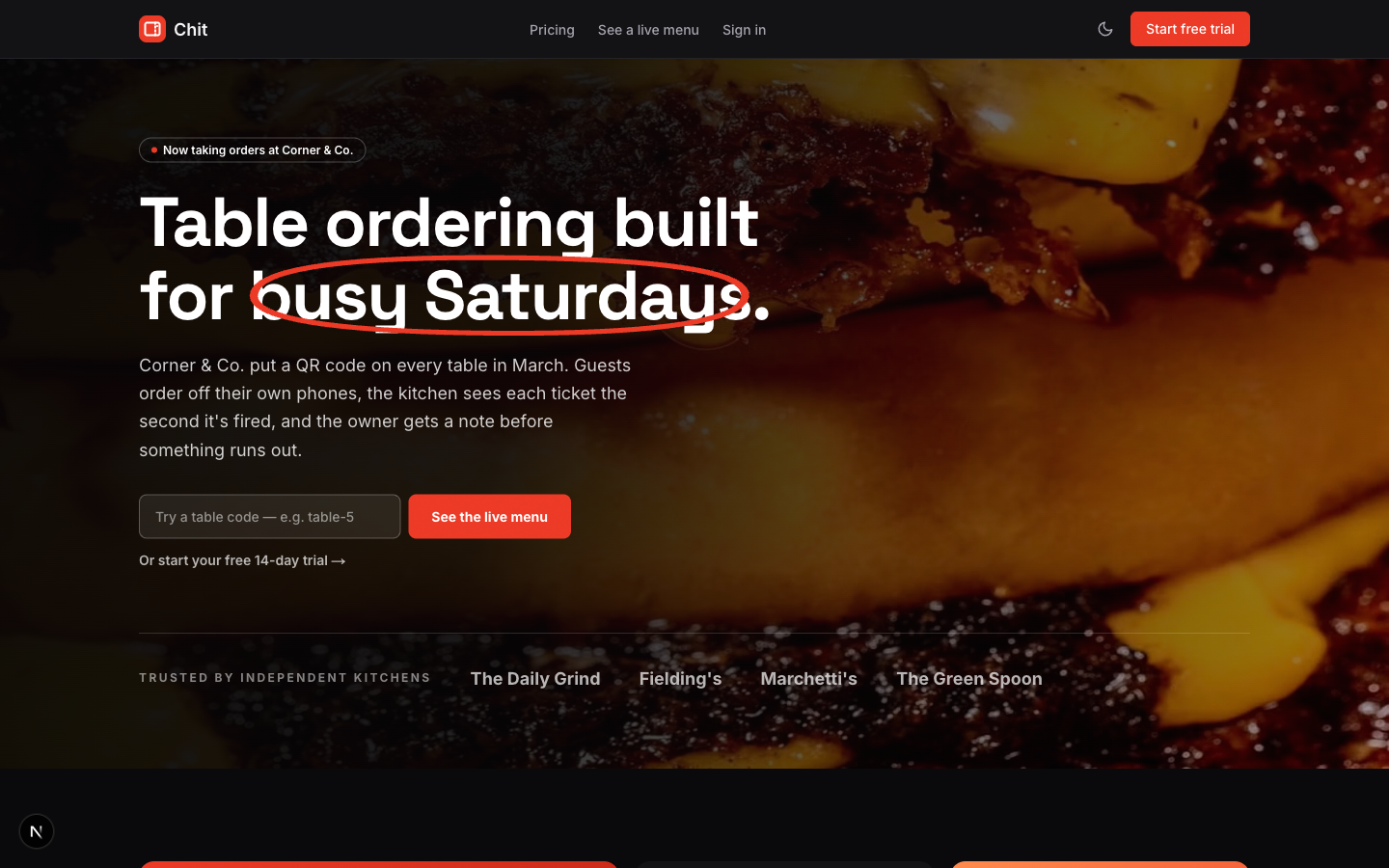
Related template
Chit - Cafe & Restaurant Table Ordering SaaSTable ordering for a single cafe or restaurant - a QR-code guest menu with an AI ordering assistant that filters by diet, mood, or budget, plus a live kitchen order queue and an AI insights page with demand forecasting and stock alerts for the owner.
Chit is the one template in our catalog built around this exact flow. A guest scans a QR code and lands directly on the menu - category navigation, an item detail modal, a sticky cart - with an AI ordering assistant that takes a plain-language ask ('something vegan, quick') and filters accordingly. The order lands on a three-column kitchen queue (New / Preparing / Ready) that a staff member advances with one tap, and the same ticket-style surface shows up again at checkout confirmation and in the guest's own order tracking view, so nothing looks like a different product at each step.
| Need | How Chit covers it |
|---|---|
| Guest QR menu | Category nav, item modal, sticky cart - not a PDF link |
| Kitchen queue | New / Preparing / Ready, one-tap advance per order |
| Order tracking | Guest-facing live status, same ticket visual as the kitchen sees |
| Owner demand insight | Day-by-hour heatmap plus a forecast/low-stock/slow-item feed |
| Menu management | Inline price edits, in-stock/86 toggle, AI-assisted item add |
Both AI features (the ordering assistant and the insights feed) are deterministic and rule-based out of the box - no API key required to run the template - with a documented seam to swap in a real model call when you're ready.
New Next.js template every week
Get notified the moment the next one drops.
It's 9 routes end to end: marketing site, pricing, auth, the guest QR menu, checkout, order tracking, and an owner dashboard covering the queue, menu management, and insights. Dark-first 'Midnight Kitchen' design, flash-free dark mode, and it's been through an axe-core accessibility pass for landmarks, heading order, focus visibility, and contrast.
See the live demo and the full feature breakdown.
View ChitIf you're not ready to buy a template
Building this from scratch means a realtime data layer for the kitchen queue, a design system shared across three different "views" of the same order, and a reasonable amount of thought about what happens when the kitchen is slower than the guest expects. None of that is exotic, but it's also not a weekend. If you're validating the idea first, a generic form builder or a no-code QR menu tool will get you a menu people can scan faster than any template will - you just won't have the live kitchen queue or the ordering assistant until you build or buy the real thing.