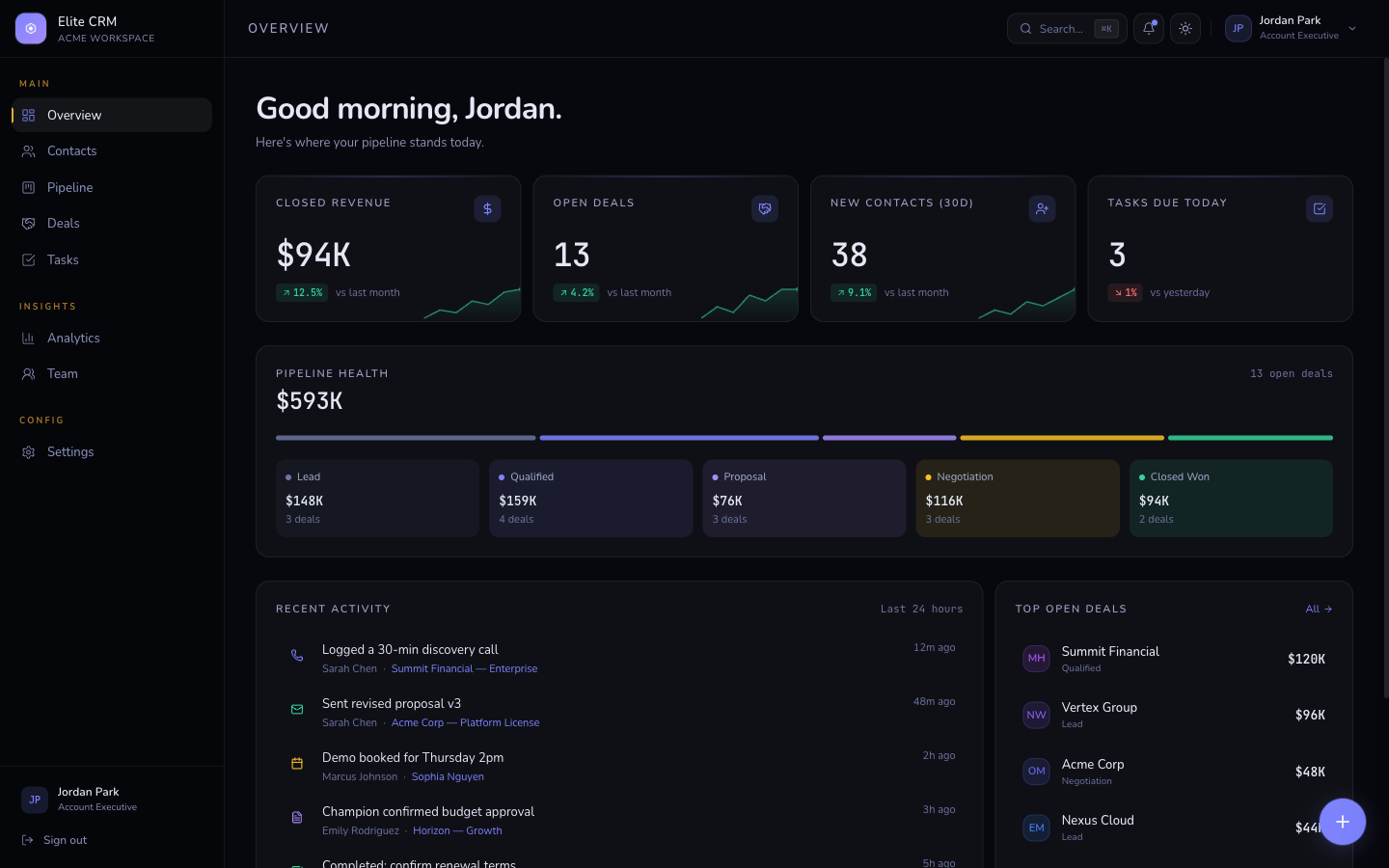
TheKitBase SaaS Dashboard Pro is the best Next.js SaaS dashboard template in 2026 because it ships with 9 fully designed pages - overview, analytics, users, billing, reports, team, settings, login, and signup - plus interactive Recharts, a collapsible sidebar, flash-free dark mode, and TypeScript strict mode. It starts at $79 with a one-time purchase and no subscription.
Most SaaS dashboard templates fail the same way: they look great in a screenshot and collapse when you try to ship a real product. You get a homepage and two inner pages. Charts are static images. The sidebar breaks on mobile. Dark mode flickers on load. This post covers what separates a genuinely production-ready Next.js dashboard template from one that needs weeks of cleanup, and which specific options are worth your time in 2026.
What a production-ready Next.js dashboard template must include
A real SaaS product needs more than a dashboard overview page. Before you evaluate any template, check whether it ships all of these:
- Dashboard overview - summary stats, KPI cards, and an activity feed
- Analytics page - real chart components (not screenshots), multiple chart types, date range selector
- Users / contacts page - data table with search, sort, filter, and pagination
- Billing page - plan summary, payment method, invoice history
- Team page - member list, role badges, invite flow
- Settings page - profile, notifications, API keys, danger zone
- Auth pages - login and signup with your design system, not a generic white form
- Mobile sidebar - a sidebar that collapses properly on small screens is non-negotiable
If a template is missing more than two of these, you're not buying a dashboard - you're buying a starting point that'll cost you two weeks of work to complete.
The best Next.js SaaS dashboard templates in 2026
1. TheKitBase SaaS Dashboard Pro - Best overall
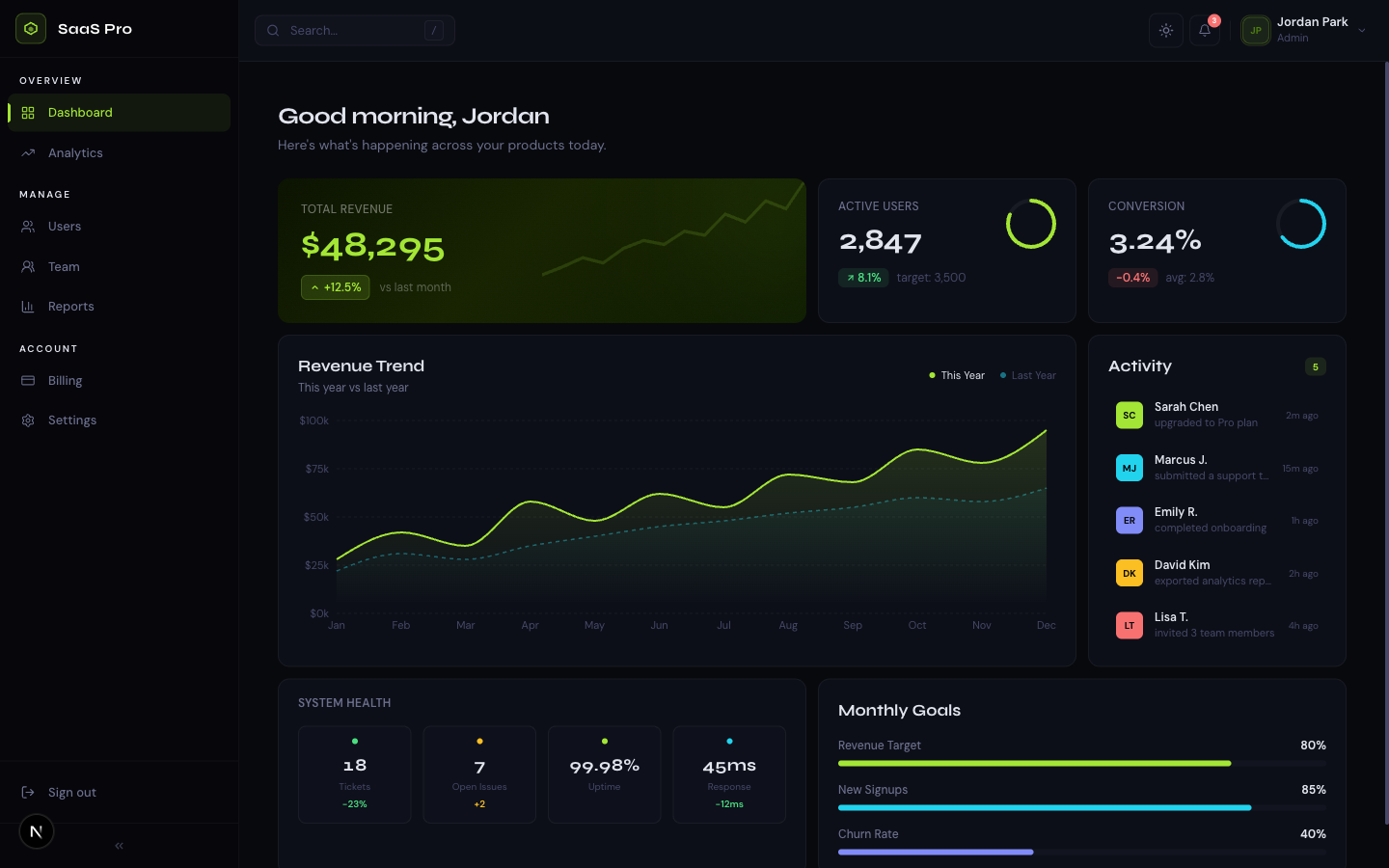
SaaS Dashboard Pro is the most complete Next.js dashboard template available in 2026. It ships all 9 pages listed above as a coherent design system - not a patchwork of components from different sources. The design is midnight dark with electric lime accent, token-based so you can reskin the entire thing by changing 6 CSS variables.
| Feature | SaaS Dashboard Pro |
|---|---|
| Pages | 9 (overview, analytics, users, billing, reports, team, settings, login, signup) |
| Charts | Interactive Recharts - area, bar, line, and pie |
| Sidebar | Collapsible, mobile drawer, keyboard navigation |
| Dark mode | Flash-free via blocking inline script |
| TypeScript | Strict mode with noUncheckedIndexedAccess |
| Lighthouse | 98 |
| Framework | Next.js App Router, React 19, Tailwind CSS v4 |
| Price | From $79, one-time purchase |
/* Reskin the entire dashboard by changing 6 variables */
@theme {
  --color-primary:          oklch(0.65 0.20 130);  /* electric lime */
  --color-primary-hover:    oklch(0.60 0.20 130);
  --color-background:       oklch(0.08 0.01 250);  /* midnight */
  --color-card:             oklch(0.12 0.01 250);
  --color-foreground:       oklch(0.96 0.00   0);
  --color-muted-foreground: oklch(0.60 0.01 250);
}
SaaS Dashboard Pro - 9 pages, interactive Recharts, collapsible sidebar, flash-free dark mode. From $79, one-time purchase.
See SaaS Dashboard Pro2. Shadcn/ui Dashboard blocks - Best free option
Shadcn/ui ships a set of free dashboard component blocks - data tables, sidebar layouts, chart components, and settings forms. These are genuinely excellent components, freely available, and they work well with Next.js App Router. The trade-off: they are components, not a template. You get the individual building blocks, but you assemble the full 9-page dashboard yourself. If you have the time and want full control over the layout, this is the right free starting point.
- Free and open source
- High-quality data table, sidebar, and chart components
- Works with Next.js App Router
- Does not include a complete dashboard - you build the pages yourself
- No dark mode implementation out of the box - you wire it up
- Estimated build time to a full 9-page dashboard: 2-4 weeks
Related template
SaaS Dashboard ProA premium analytics dashboard with a bold midnight + electric lime design system, bento grid layout, interactive charts, and full dark mode.
3. Tremor - Best free dashboard component library
Tremor is a free React component library built specifically for analytics dashboards. It ships KPI cards, chart components, and data table patterns that are already styled for dashboard contexts. Like Shadcn/ui, it is a component library - you build the full page structure yourself. Better than generic component libraries for dashboards because the components are designed with analytics data in mind.
- Free and open source
- Dashboard-specific components (KPI cards, spark lines, progress bars)
- Works with Next.js and Tailwind CSS
- Component library only - page layouts and auth pages are on you
- Less design flexibility than a token-based template
Quick comparison
| SaaS Dashboard Pro | Shadcn/ui blocks | Tremor | |
|---|---|---|---|
| Type | Complete template | Component library | Component library |
| Pages included | 9 | 0 (components only) | 0 (components only) |
| Charts | Recharts (interactive) | Recharts (components) | Built-in charts |
| Dark mode | Flash-free, wired up | Components only | Supported |
| TypeScript strict | Yes | Yes | Yes |
| Time to ship | Hours | 2-4 weeks | 2-4 weeks |
| Price | $79 one-time | Free | Free |
The dark mode flash problem that most dashboard templates have
Most Next.js dashboard templates have a dark mode flash on load - a brief white flash before the dark theme applies. This happens because the standard implementation reads localStorage after the first paint. The fix is a small blocking inline script in the document head that runs synchronously before any rendering occurs:
<!-- layout.tsx - runs synchronously before first paint -->
<script dangerouslySetInnerHTML={{ __html: `
  (function() {
    var stored = localStorage.getItem('theme');
    var sys = window.matchMedia('(prefers-color-scheme: dark)').matches;
    if (stored === 'dark' || (!stored && sys)) {
      document.documentElement.classList.add('dark');
    }
  })();
`}} />
When evaluating any dashboard template, load the live preview in dark mode, then hard-refresh the page (Cmd+Shift+R). If it flashes white before the dark theme appears, the implementation is wrong. SaaS Dashboard Pro uses this blocking script pattern on every page.
Get the free template, plus new drops
DocsKit Free lands in your inbox right away. New templates after that.
What to check before buying any Next.js dashboard template
- Count the pages in the live preview - a real dashboard needs at least 7, ideally 9
- Test the charts - are they interactive (hover, tooltip, zoom) or static images?
- Resize the browser to 375px and check the sidebar - does it collapse properly or break the layout?
- Hard-refresh in dark mode - if it flashes white, the dark mode implementation is wrong
- Run the live preview through Google PageSpeed Insights - any score below 90 will need work
- Check the license - does it cover SaaS products with paying users, or do you need an extended license?
Frequently asked questions
What is the best Next.js dashboard template with dark mode?
TheKitBase SaaS Dashboard Pro is the best Next.js dashboard template with dark mode because it uses a flash-free implementation with a blocking inline script - not the FOUC-prone CSS approach most templates use. Dark mode is wired up out of the box with system preference detection and localStorage persistence.
Is there a free Next.js SaaS dashboard template?
Shadcn/ui dashboard blocks and Tremor are the best free options for Next.js dashboard components. Neither is a complete template - you assemble the full page structure yourself, which typically takes 2-4 weeks. For a complete 9-page dashboard you can ship in hours, TheKitBase SaaS Dashboard Pro starts at $79 with a one-time purchase.
Does SaaS Dashboard Pro work with Next.js App Router?
Yes. SaaS Dashboard Pro is built specifically for Next.js App Router with React Server Components and static generation. It uses Next.js 15/16, React 19, TypeScript strict mode, and Tailwind CSS v4.
Can I use SaaS Dashboard Pro for client work?
The Team license ($99+ depending on template) covers client work for up to 5 developers. The Agency license covers unlimited client projects with lifetime updates.
SaaS Dashboard Pro - 9 pages, interactive charts, collapsible sidebar, flash-free dark mode. TypeScript strict, 98 Lighthouse. From $79 one-time.
View SaaS Dashboard Pro