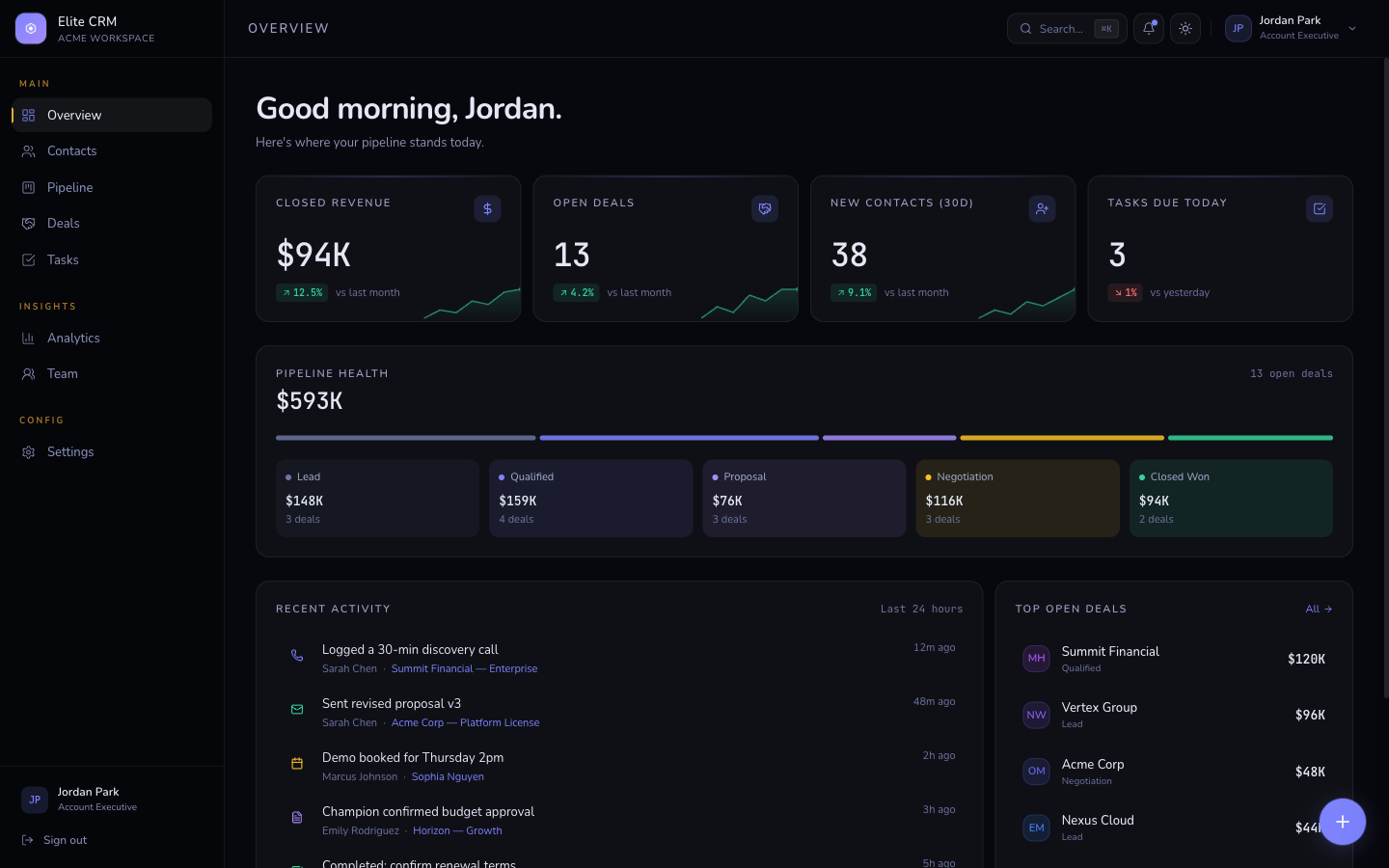
The biggest SaaS dashboard design shift in 2026 is the move away from card-heavy white UIs toward minimal chrome, higher information density, and dark-first designs. Users expect professional tools to look like professional tools - not like a marketing page.
SaaS dashboard design has matured significantly. The generic Bootstrap-style card grid with rounded corners and colorful icons is being replaced by more deliberate, information-dense interfaces that prioritize the data over the decoration. Here are the trends defining the best dashboards in 2026.
1. Dark-first design
The best SaaS dashboards in 2026 are designed dark-first. Not just dark mode as an option - dark as the primary experience. Dark backgrounds improve contrast on data visualizations, reduce eye strain during long sessions, and signal professional tooling. The key requirement is a flash-free implementation - users switching to dark mode or who prefer it in their OS settings should never see a white flash on load.
- Use a blocking inline script in layout.tsx to apply the dark class before first paint
- Design the dark version first, then derive the light version
- Use oklch() for color tokens - oklch gives perceptually uniform lightness adjustments
- Test chart contrast on dark backgrounds - most chart libraries need explicit dark mode color overrides
/* Dark-first dashboard color system using oklch */
@theme {
  /* Dark backgrounds */
  --color-background: oklch(0.08 0.01 250);   /* near black */
  --color-card:       oklch(0.12 0.01 250);   /* slightly lighter */
  --color-border:     oklch(0.20 0.01 250);   /* subtle borders */

  /* Accent - high visibility on dark */
  --color-primary:    oklch(0.65 0.20 130);   /* electric lime */

  /* Text */
  --color-foreground: oklch(0.96 0.00   0);   /* near white */
  --color-muted:      oklch(0.55 0.01 250);   /* secondary text */
}
2. Token-based color systems
The best-built dashboards in 2026 use a small set of semantic color tokens rather than hardcoded hex values. This makes white-labeling, theme switching, and dark mode trivial instead of a major engineering task. The pattern: define tokens in CSS with meaningful names, use those tokens everywhere, override tokens in dark mode.
A well-designed dashboard should be fully rebrandable by changing 6-8 CSS variables. If reskinning requires touching 50 files, the token architecture needs work.
3. Minimal chrome, maximum data
The move away from heavy card borders, decorative backgrounds, and excessive padding is accelerating. Users of professional tools want to see their data, not the UI framework around it. The trend is toward tight padding, thin 1px borders, and high information density - more data visible on screen without scrolling.
- Reduce card padding from 24px to 16px
- Replace heavy box shadows with 1px borders
- Remove rounded corners entirely or keep them very subtle (2-4px max)
- Use monospace fonts for numbers and data - they align better in tables
- Tighten table row heights - 44px is often better than 56px
Related template
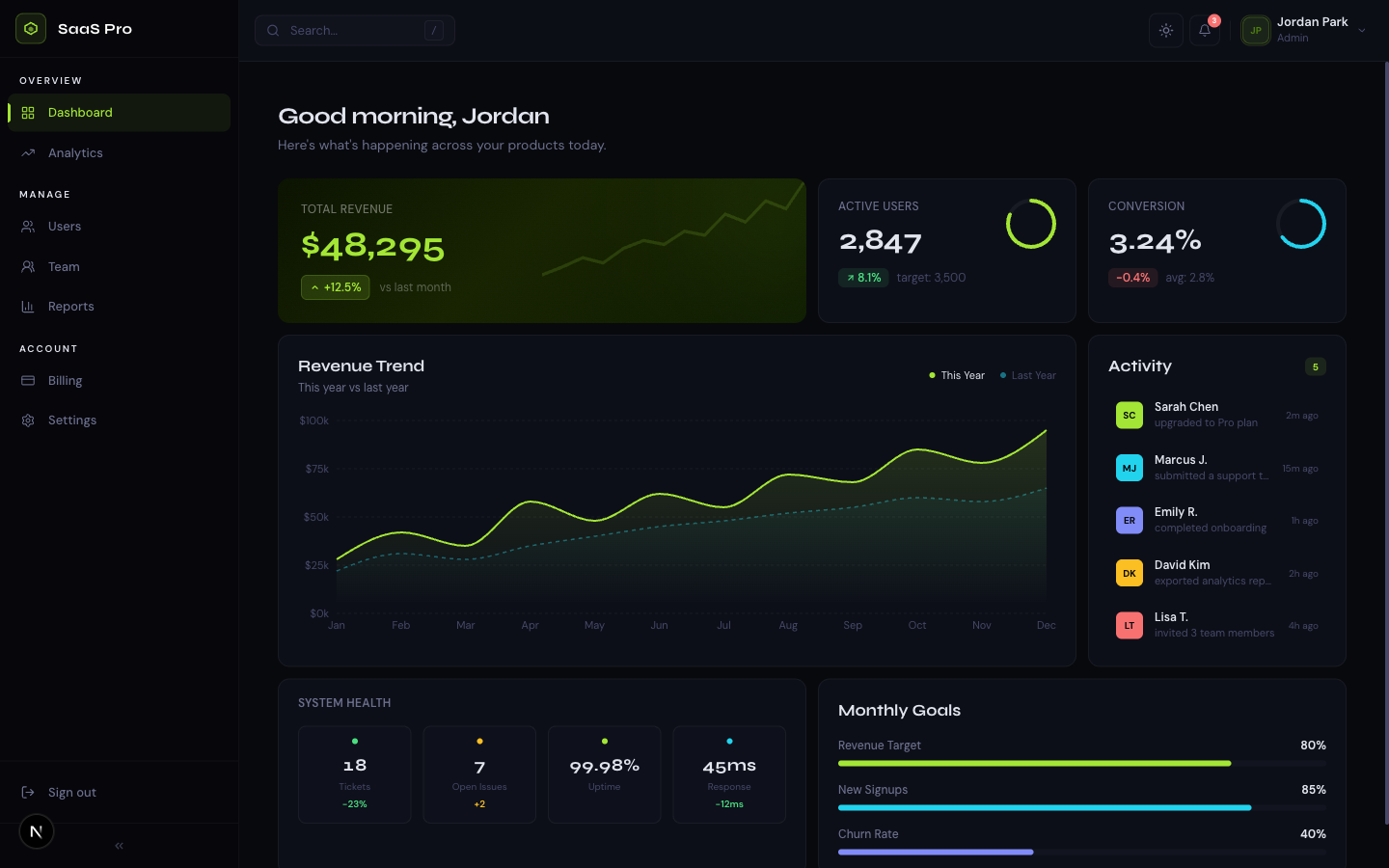
SaaS Dashboard ProA premium analytics dashboard with a bold midnight + electric lime design system, bento grid layout, interactive charts, and full dark mode.
4. Collapsible sidebars as a standard
A collapsible sidebar that shrinks to icon-only mode is now an expected feature in SaaS dashboards, not a premium one. Users working on smaller screens or who want more space for their content should be able to collapse navigation with one click. The state should persist across sessions via localStorage.
5. Interactive charts over static visuals
Static chart images were acceptable in 2020. In 2026, users expect hover states, tooltips, and clickable data points. Recharts and Victory remain the most common choices for React dashboards. The trend is toward simpler chart types with richer interactions - area charts with animated entry, bar charts with drill-down, sparklines in table cells.
6. Status and activity in the overview
Dashboard overviews in 2026 surface real-time or near-real-time status prominently. Rather than a static grid of KPI cards, the best dashboards show a live activity feed, recent events, or system health indicators alongside the aggregate metrics. Users want to know what happened in the last hour, not just the last month.
7. The death of the colorful icon grid
Get the free template, plus new drops
DocsKit Free lands in your inbox right away. New templates after that.
The dashboard pattern of 6-8 stat cards each with a different colored icon (blue users icon, green revenue icon, orange orders icon) is dated. In 2026, the best dashboards use a single accent color, rely on data relationships rather than icon decoration, and reserve color for status indicators (red = error, green = healthy) rather than decoration.
8. Mobile-ready but desktop-first
Professional SaaS dashboards are used primarily on desktop. The best designs are desktop-first - optimized for 1280px+ screens with a sidebar navigation that's always visible. Mobile support means a functional experience on phone, not an identical one. The sidebar becomes a drawer, tables become scrollable, and some complex visualizations are simplified on small screens.
Frequently asked questions
What is the best design for a SaaS dashboard in 2026?
The best SaaS dashboard design in 2026 is dark-first, uses semantic color tokens, has minimal decorative chrome, collapsible navigation, and interactive charts. The focus is on information density and data visibility rather than visual decoration. TheKitBase SaaS Dashboard Pro implements all of these patterns.
Should SaaS dashboards be dark or light?
Both with a strong preference for dark-first in professional tools. Dark backgrounds improve chart contrast and reduce eye strain during long sessions. The technical requirement is flash-free dark mode - users who prefer dark should see it immediately on load with no white flash. Provide a toggle so users can choose.
TheKitBase SaaS Dashboard Pro implements all 2026 design trends - dark-first, token-based colors, collapsible sidebar, interactive Recharts, minimal chrome. 9 pages from $79.
Browse Templates