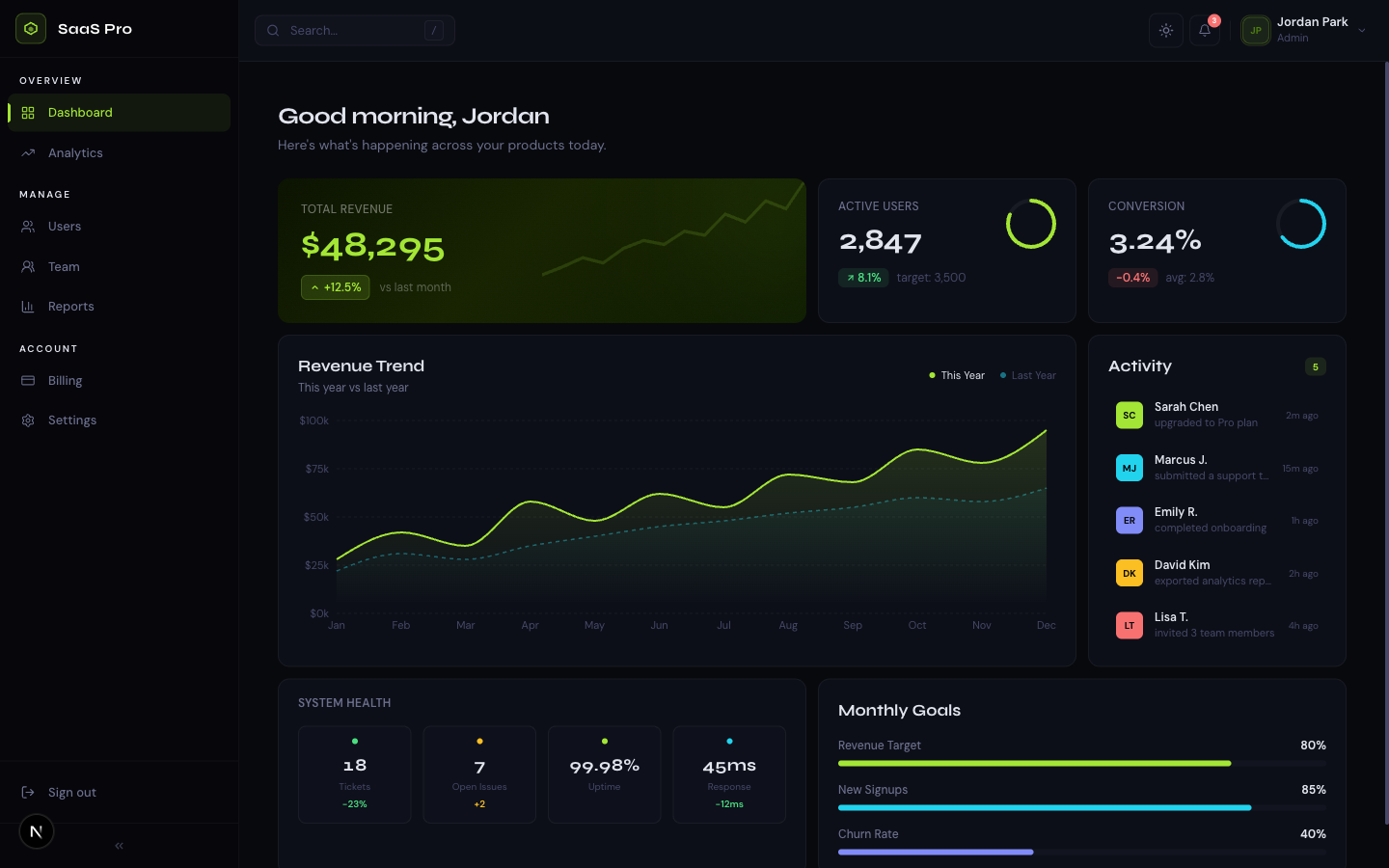
Open Linear, Vercel, Raycast, Notion, or Superhuman and press Cmd+K. A search box drops in, and from it you can navigate anywhere, run any action, and find anything - without touching the mouse. Three years ago this was a power-user novelty. Today it's a default, and it's quietly eating the navigation menu the way the hamburger icon once ate the desktop nav bar. Here's why it happened, what actually belongs in a command palette, and how to build one in Next.js.
Where the command palette came from
The pattern isn't new - it's macOS Spotlight, Sublime Text's command palette, and Vim's command mode, repackaged for the web. What changed is the audience. As SaaS products grew more capable, their navigation grew more crowded, and the people using them all day started expecting the keyboard-first speed they got from their code editor. Linear made Cmd+K a signature. Superhuman built an entire email client around it. Once the tools developers use every day normalized it, it became an expectation rather than a delight.
Why it beats a growing nav menu
A navigation menu has a hard ceiling. Every feature you add competes for the same finite sidebar space, and past a dozen items it becomes a scrolling, nested mess. A command palette scales the opposite way - the more you add, the more useful it gets, because search collapses everything into one input.
- Speed - keyboard-first users never leave the home row. Cmd+K, type three letters, hit enter.
- Scale - 5 features or 500, the interface is the same single search box. Nav menus break down; palettes don't.
- Discoverability - surfacing actions with their keyboard shortcuts teaches users the shortcuts over time.
- Less visual clutter - actions that used to need a button can live in the palette, keeping the UI calm.
- Muscle memory - Cmd+K is now a cross-app convention, so users already know to reach for it.
What actually belongs in it
Related template
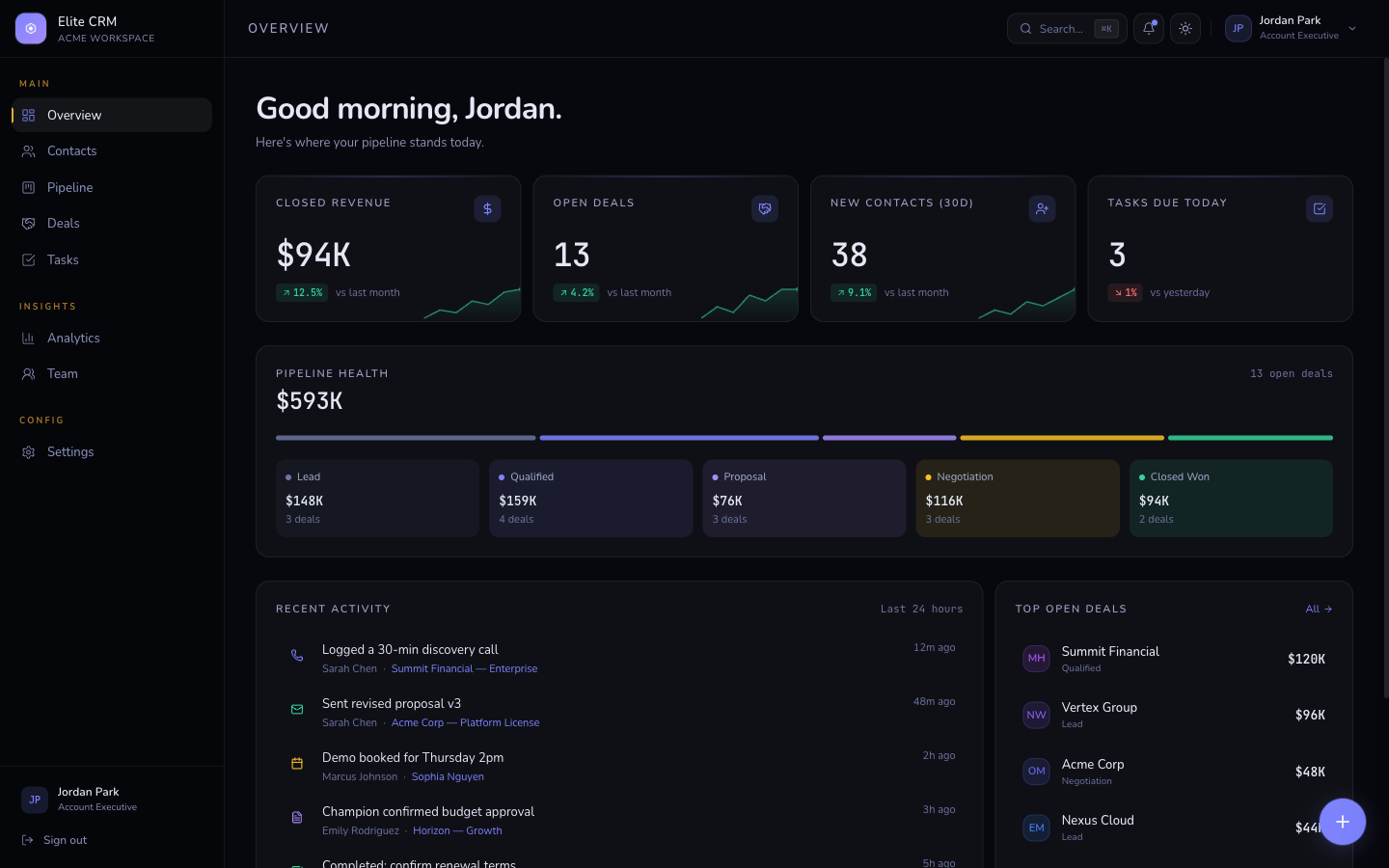
Elite CRMA premium dark-first CRM dashboard with a global slide-over detail panel, Cmd+K command palette, Kanban pipeline, deals & tasks management, and Recharts analytics. Built on Next.js 16, Tailwind v4, and a typed mock-data layer.
A good command palette is not just search. It's three kinds of thing in one ranked list: places you can go, actions you can take, and objects you can find. The mistake is treating it as a site-search box - the magic is that it also does things.
- Navigation - jump to any page or view (Go to Settings, Go to Billing)
- Actions - create, invite, toggle theme, sign out - verbs, not just destinations
- Search - find records: a customer, a document, a project
- Recents - the last few things the user touched, shown before they type anything
Building one in Next.js
You don't need a library to start. The core is a modal that opens on Cmd+K, a text input, and a filtered list of commands. Here's the keyboard listener that every implementation begins with:
'use client';

import { useEffect, useState } from 'react';

export function useCommandMenu() {
  const [open, setOpen] = useState(false);

  useEffect(() => {
    function onKey(e: KeyboardEvent) {
      if (e.key === 'k' && (e.metaKey || e.ctrlKey)) {
        e.preventDefault();
        setOpen((v) => !v);
      }
      if (e.key === 'Escape') setOpen(false);
    }
    window.addEventListener('keydown', onKey);
    return () => window.removeEventListener('keydown', onKey);
  }, []);

  return { open, setOpen };
}
Get the free template, plus new drops
DocsKit Free lands in your inbox right away. New templates after that.
From there, render a dialog with an input, filter your command list by the query, and make each result a navigation or action handler. For production, cmdk (the library behind many of these palettes) gives you fuzzy matching, grouping, and accessible keyboard navigation out of the box - but the concept is exactly the hook above plus a filtered list.
The details that make it feel good
- Fuzzy match, not exact - 'setbil' should still find 'Settings - Billing'
- Group results by type (Navigation, Actions, Results) with subtle labels
- Show recents before the user types, so an empty palette is still useful
- Render each command with its keyboard shortcut on the right to teach them
- Full keyboard nav - arrow keys move, enter selects, escape closes
A command palette is the clearest signal a SaaS was built for people who live in it. It's also the fastest way to make a product feel fast - not because it is faster, but because the user never has to hunt through a menu to act.
Keel ships a Cmd+K command bar wired to navigation and plain-language AI prompts, alongside a streaming assistant and full SaaS shell. See how a production palette is structured.
See Keel